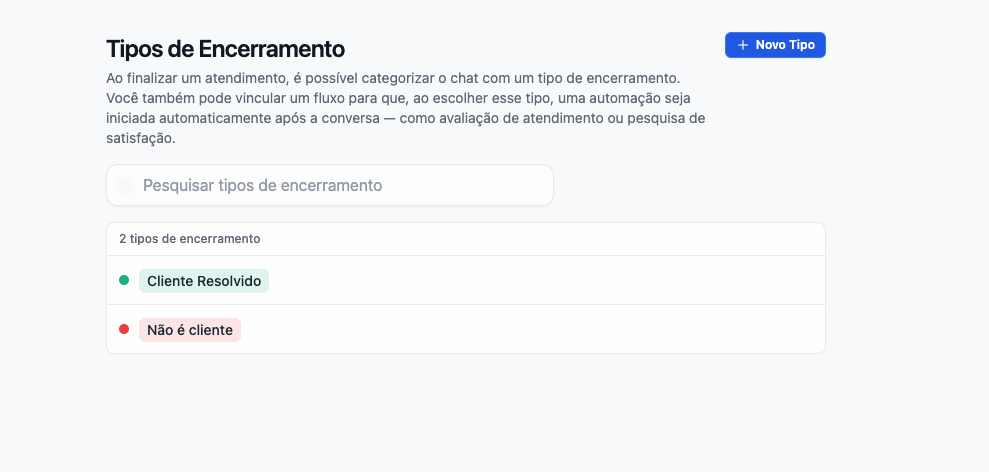
Descrição
Implement functionality that lets administrators define and maintain a custom order for closure types registered in the system. Currently, these types are displayed in a random order, which makes organization and speed difficult when closing conversations.
With this feature, the administrator can arrange closure types in the desired sequence through a simple interface such as drag and drop. Once defined, types always appear in the chosen order on every screen where they are shown and selected during conversation closure.
The expected result is more convenience for operators when closing conversations, plus standardization of the process according to each team's needs.
How to use
Order of closure types
The administrator organizes closure types in the sequence the team needs. After that, that order appears whenever someone closes a conversation.
How it works
- In Settings, open Closure types.
- Drag each type to the desired position and drop. The order is saved immediately.
- A new type is added at the end of the list.
- While search is filled in, drag is paused. Clear the search to reorder.
The same sequence applies when closing a conversation, in chat, and in the closure flow.
Why it helps The most-used reasons appear first, and each team follows the same pattern. The operator does not need to hunt for the right type in an unordered list.
Result for the user Closing is faster and more standardized, in the order the administrator defined.
Learn more: Changelog v2026.10.7
Progresso
100%Interflow · 25 de setembro de 2026