Descrição
It should be possible for certain people not to receive task notifications inside a project in the Tasks menu. This helps avoid too many alerts for people who are not directly involved in certain activities or prefer not to be notified. The feature will let you select members to stay silent on each project or task.
It works simply: the project administrator selects, on each project or in the task settings, the members who should not receive notifications. Those members still have access to the tasks, but they are not notified by email, push, or in the system about movements or updates on that project or task.
The expected result is a more personal experience for teams, reducing distractions and unnecessary notifications while keeping everyone informed only when it is actually relevant.
How to use
How to turn project notifications on or off
To choose whether you receive notifications for a task project, follow these steps:
- Open Tasks in the side menu
- Click Projects at the top of the page
- Select the project you want
- Click the gear icon or Manage project
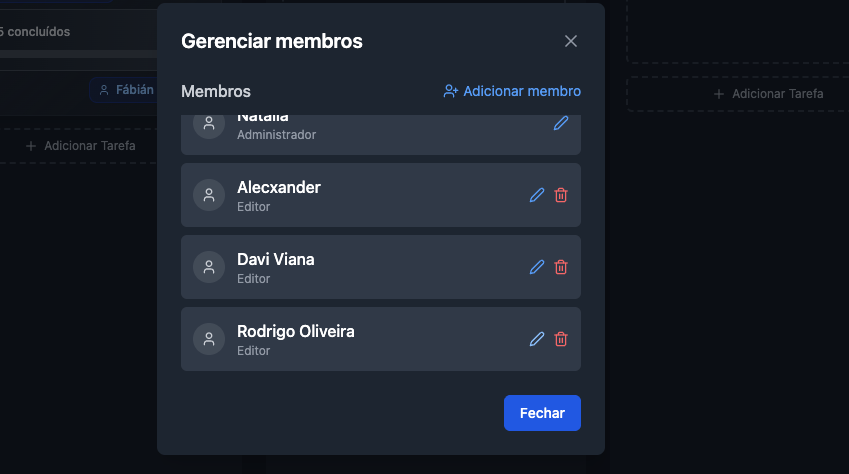
- Click Manage members
- In the member list, click the bell icon next to your name:
- Blue bell: Notifications on
- Muted/gray bell: Notifications off
When notifications are off, you will not receive alerts about changes to tasks in this project (such as creation, completion, archiving, and so on).
Progresso
100%Interflow · 29 de janeiro de 2026